free with a 321audio account
underlay
A thin floor of analog noise for tracks that fall into digital silence.
Free for good: make a 321audio account, then install it with 321hub.
VST3 and AU · macOS 11 or later · Apple Silicon and Intel
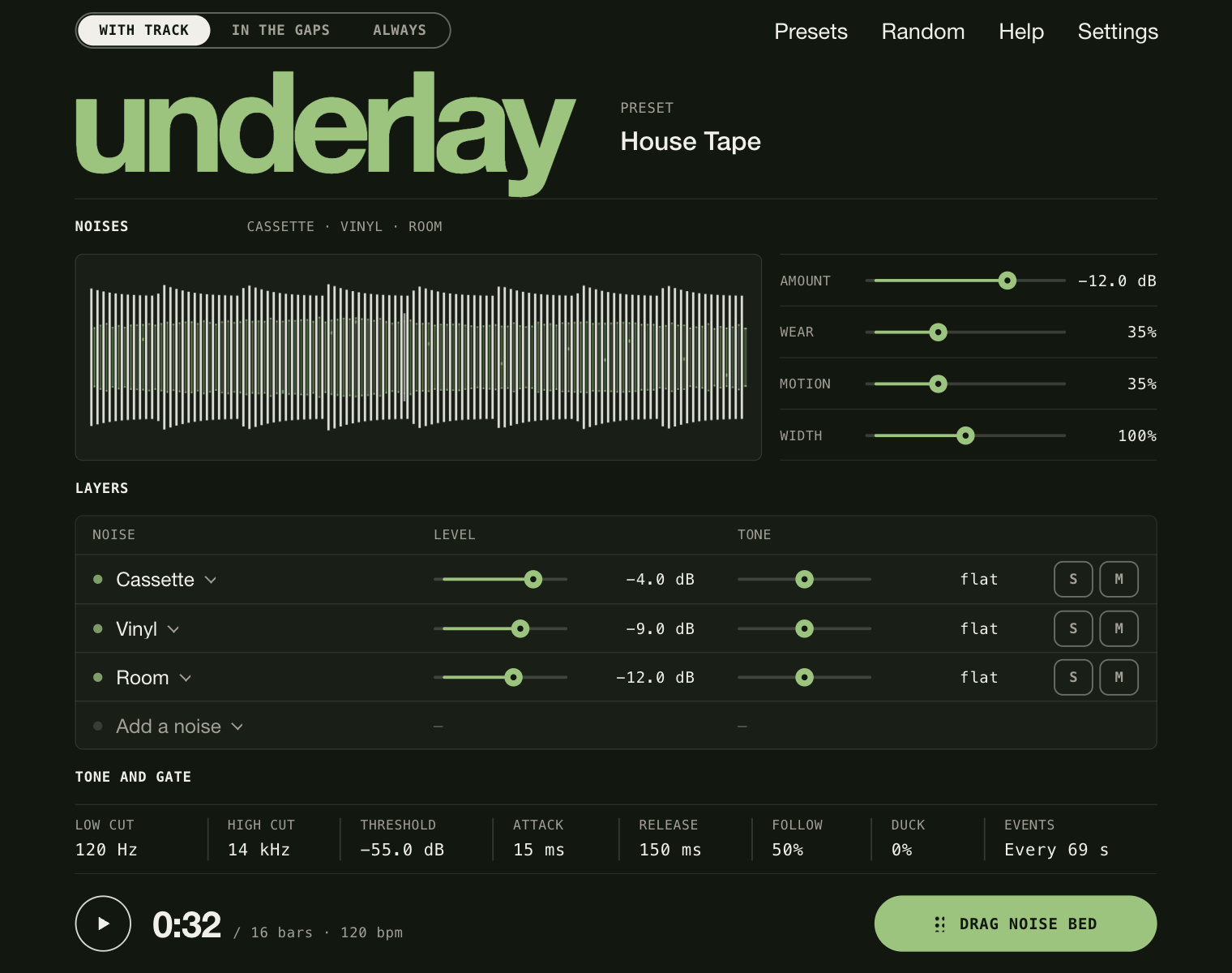
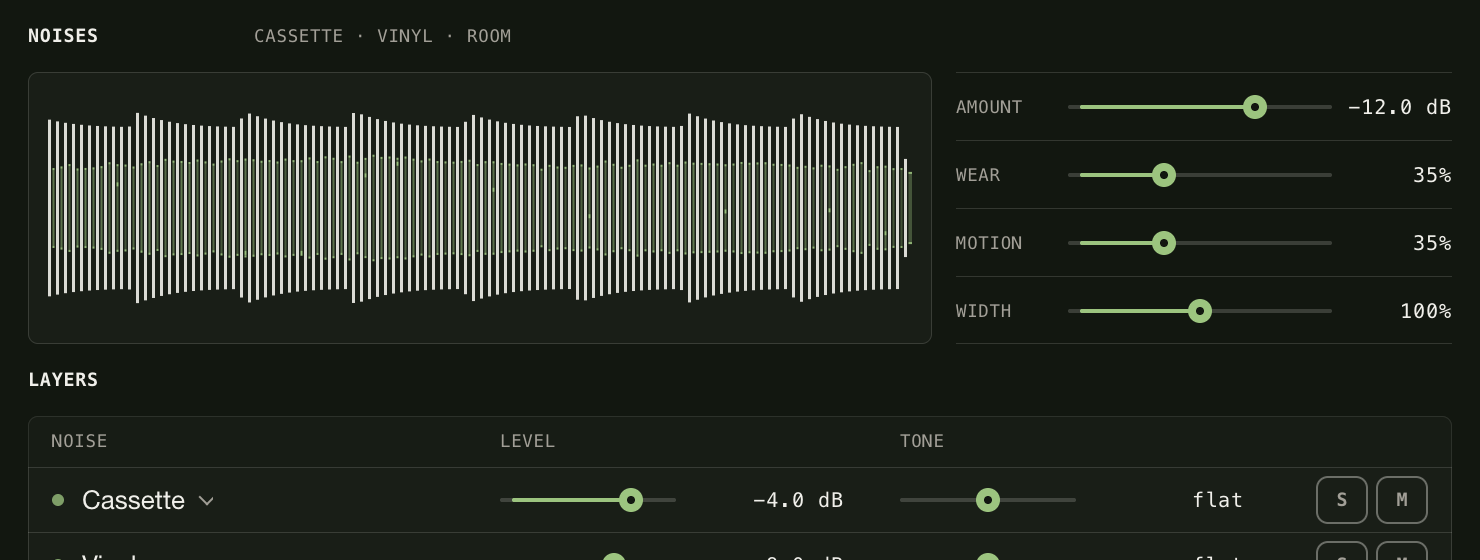
- Pick the noises25 of them, from cassette, vinyl and crackle to hum, radio, rain and room, each with its own level and tone.
- Make it moveAmount, wear, motion, and how often something happens.
- Choose when it playsWith the track, in the gaps or always. Or drag the noise bed into your DAW.
INSIDE UNDERLAY

- format
- VST3 · AU · effect
- system
- macOS 11+ · Apple Silicon · Intel
- price
- free with a 321audio account
- status
- available now